Tower Defense

Back

Waypoint custom Editor

I started by creating a custom waypoint system that’s easy to implement.

The system allows users to select any number of waypoints and reposition them by dragging. When a waypoint is held, a grey dot highlights to indicate it’s being manipulated.

I developed this tool because I had never created a custom tool before, and I saw it as a great opportunity to start.
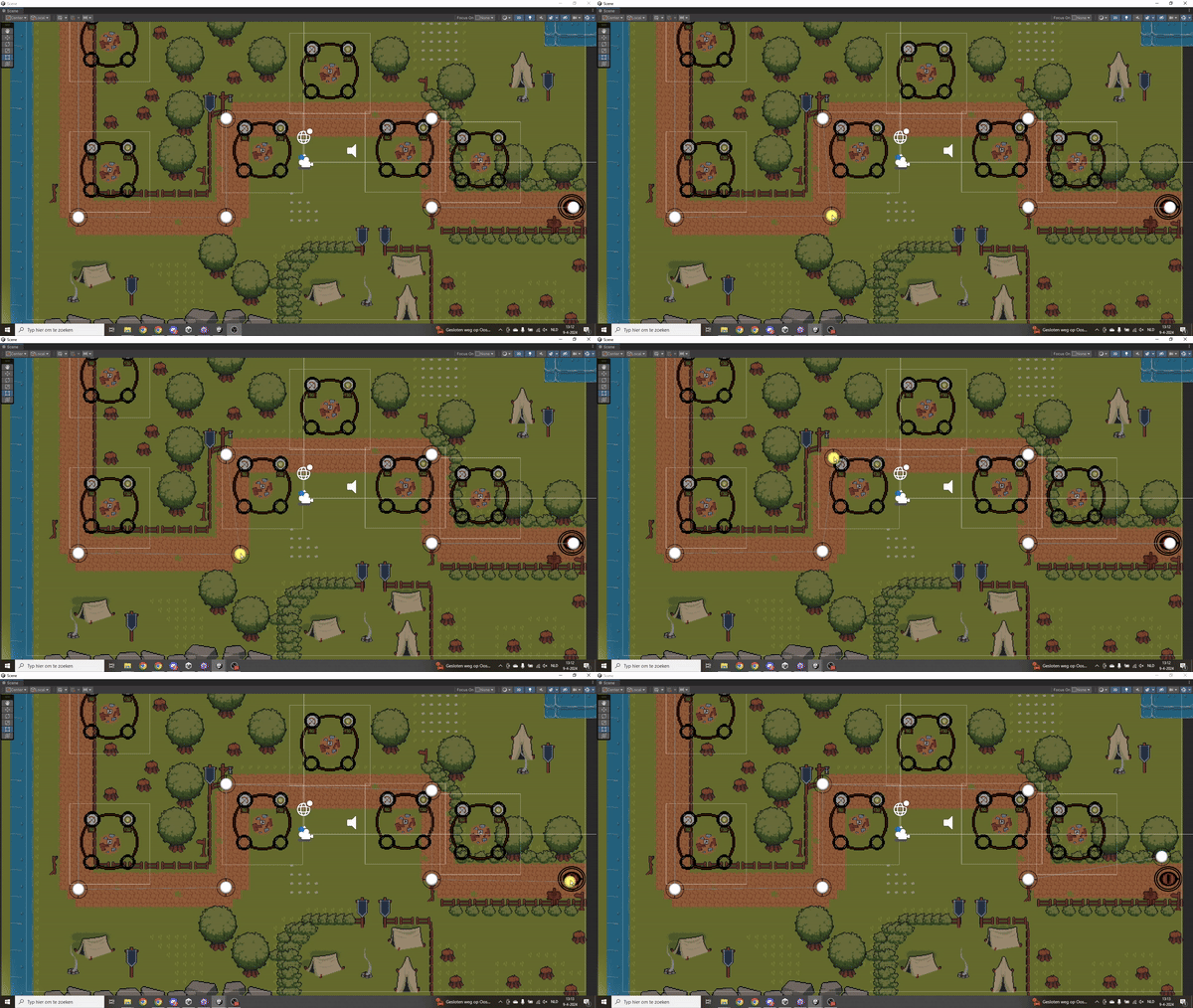
Waypoint Gif

Npc Animation Controller

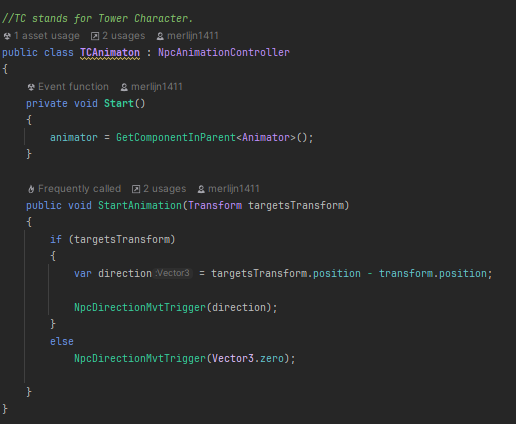
Next, I created a reusable script for handling animations for both enemies and tower NPCs.

The script ensures that enemies trigger the correct animations while walking along a path. Similarly, tower NPCs activate the appropriate animation when an enemy enters their range.

I faced two issues: neither animation would change as expected. After investigation, I realized I hadn’t specified or implemented a Vector3 parameter, so the script didn’t know which direction to animate.

Towers

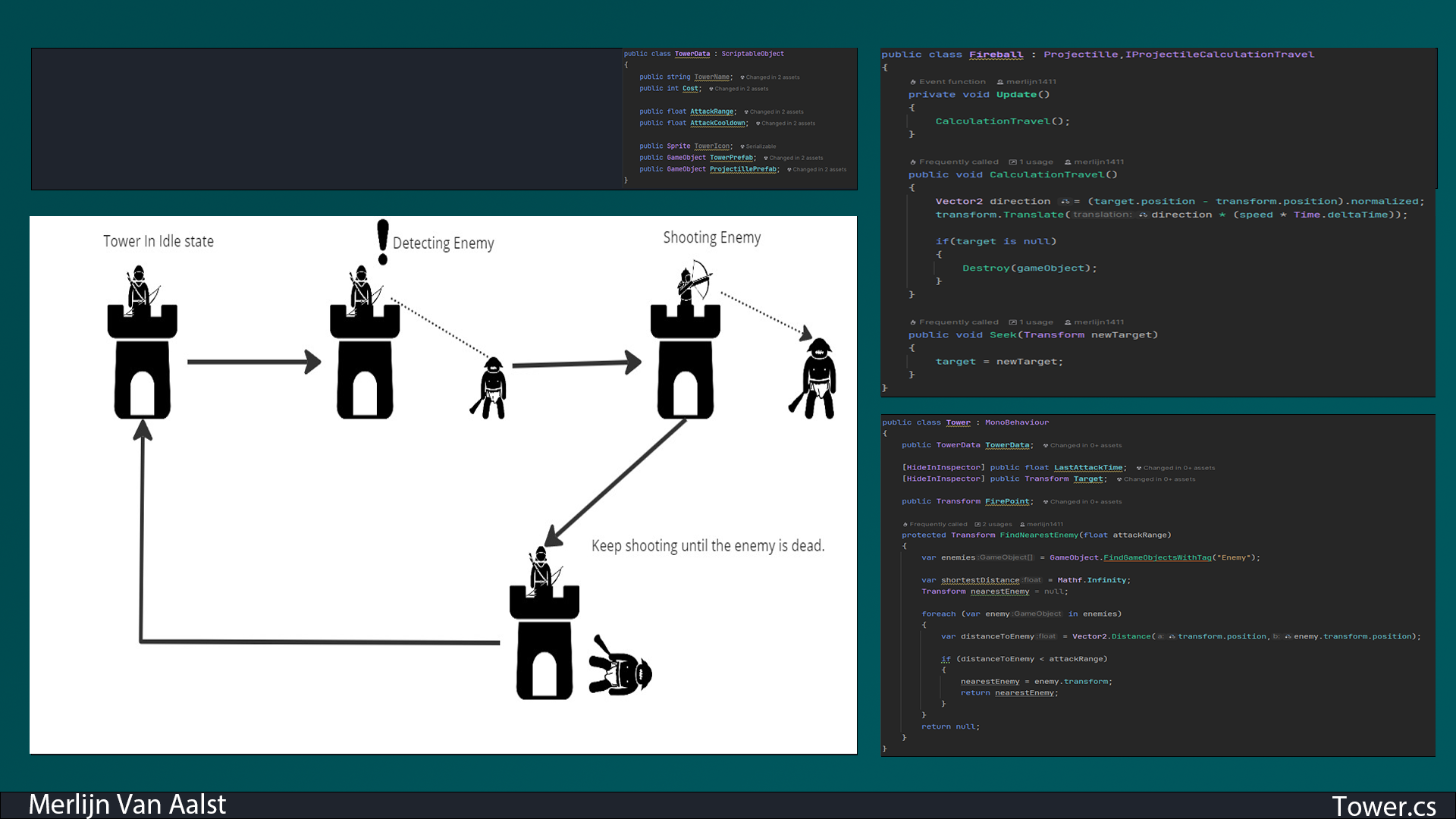
Next, I started by creating two types of towers: an Archer Tower and a Wizard Tower. To manage different tower data, I designed a ScriptableObject called TowerData.

The TowerData script includes information like cost, attack range, cooldown, tower prefab, and projectile prefab. I chose a ScriptableObject so that in the future, I could implement a menu for tower upgrades, like increasing damage or range, while saving the data to keep towers more powerful in the next level.

Additionally, I created a Projectile.cs script to manage projectile behavior, including speed, damage, and the OnTriggerEnter2D method to deal damage and destroy the projectile when it hits its target. Each projectile variant inherits from this class to use its variables and methods.

Enemy

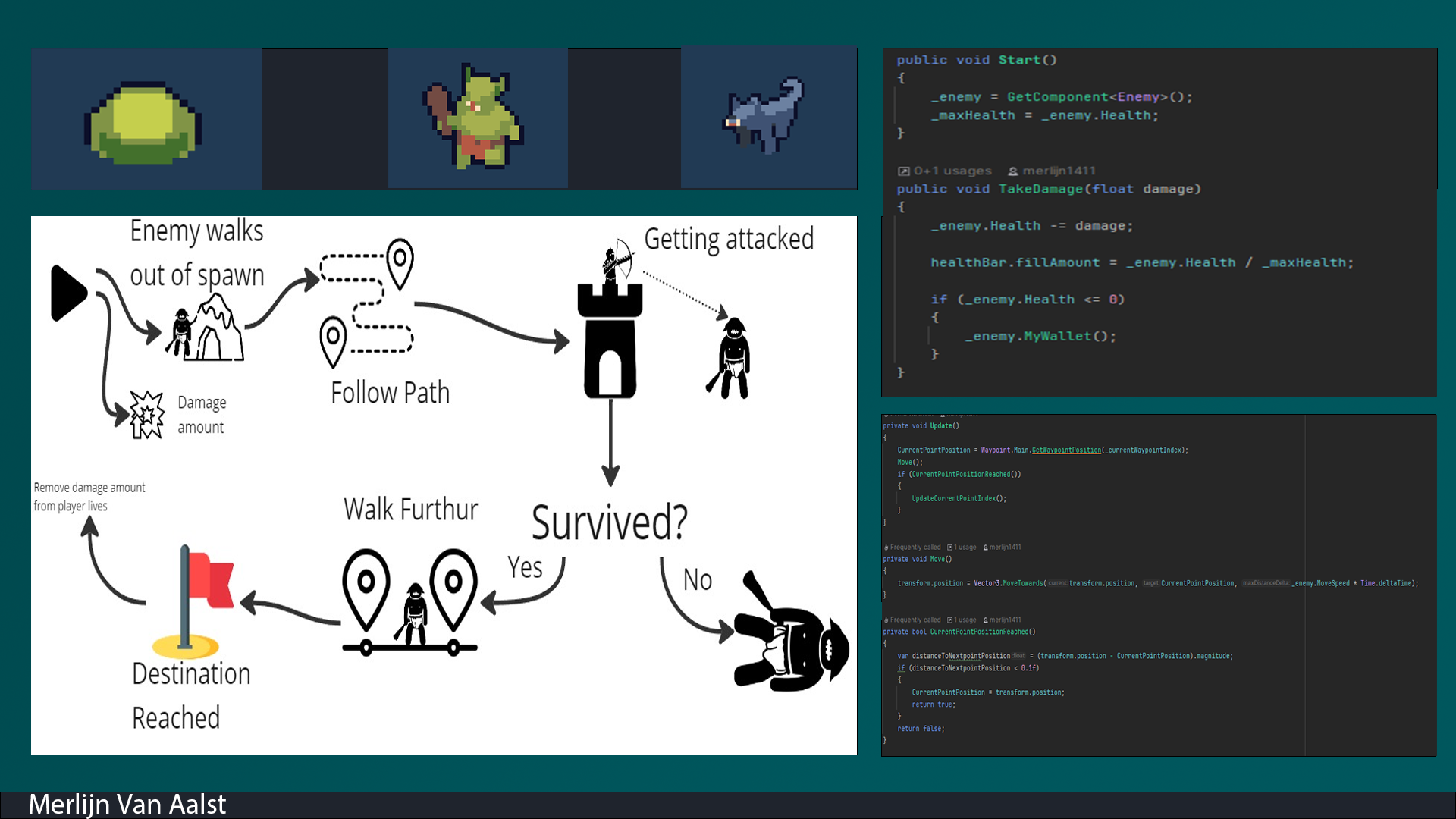
Next, I started working on the enemies, which are structured using four scripts: Enemy, EnemyMovement, EnemyAnimation, and EnemyHealth.

The Enemy script contains data such as health, move speed, damage, and coins (the amount earned when the enemy is killed). The EnemyHealth script updates and visualizes the health when the enemy takes damage.

The EnemyMovement script allows the enemy to follow the designated waypoints, while the EnemyAnimation script updates the enemy’s animation based on its movement direction.

TowerMenuManager

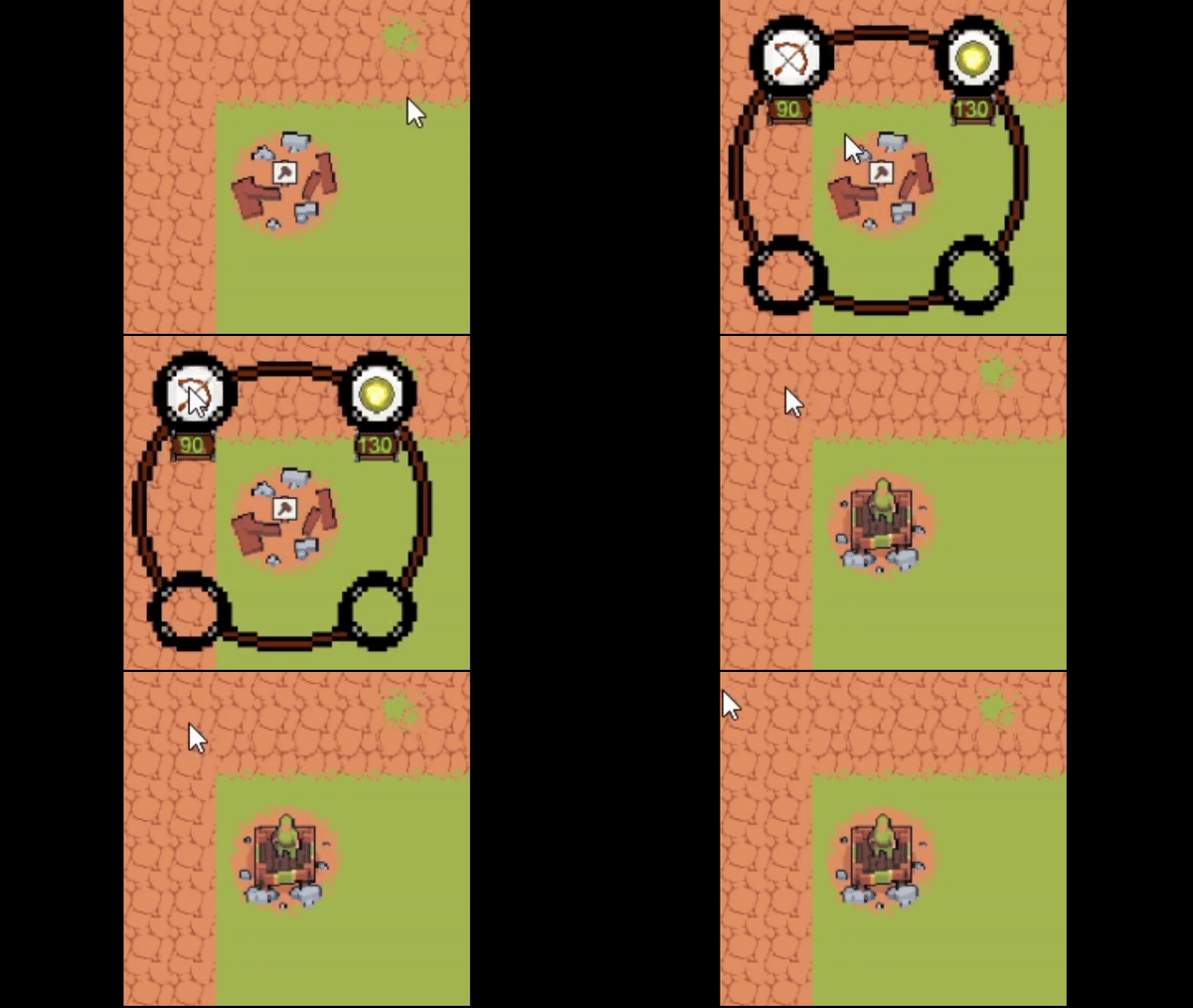
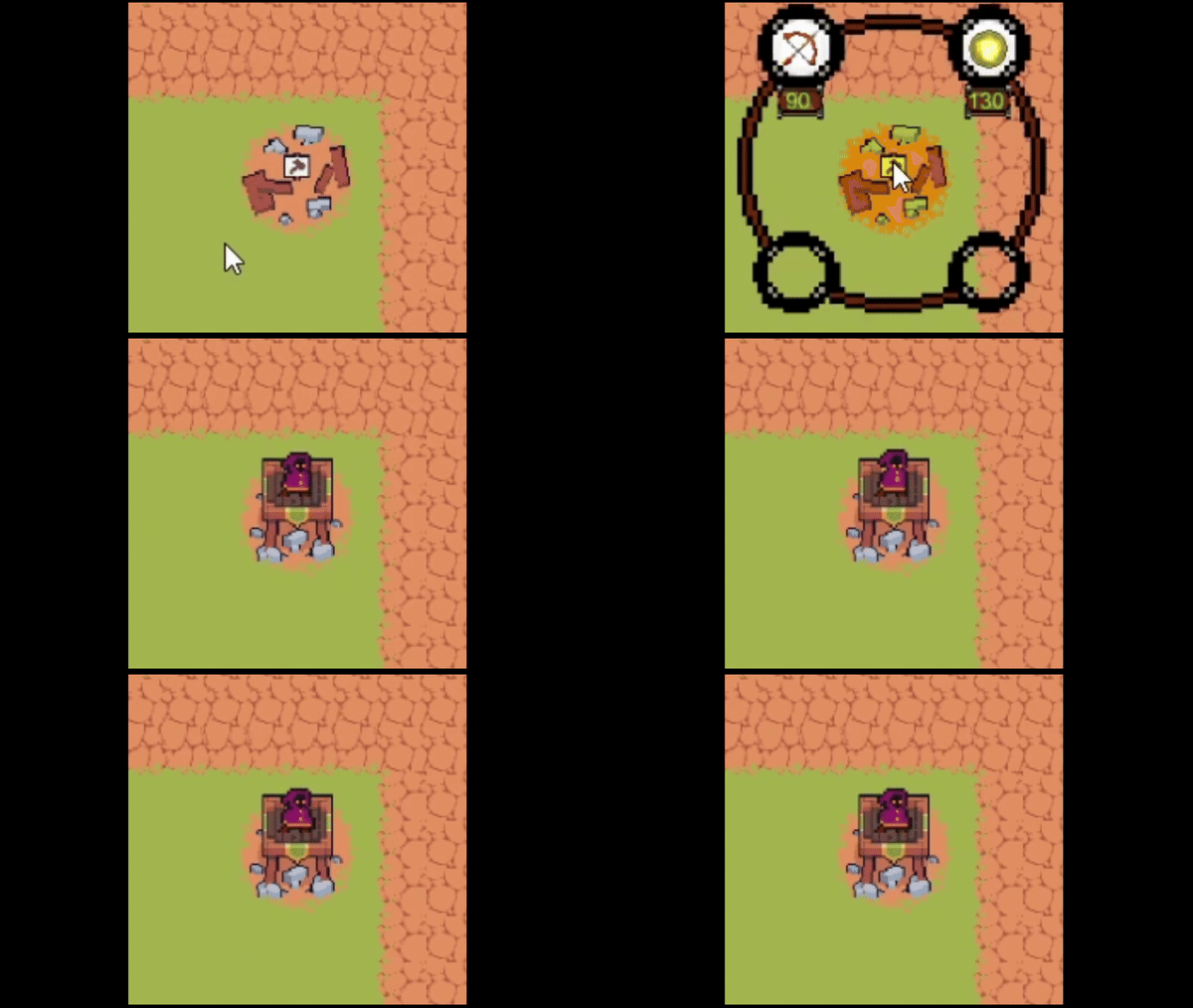
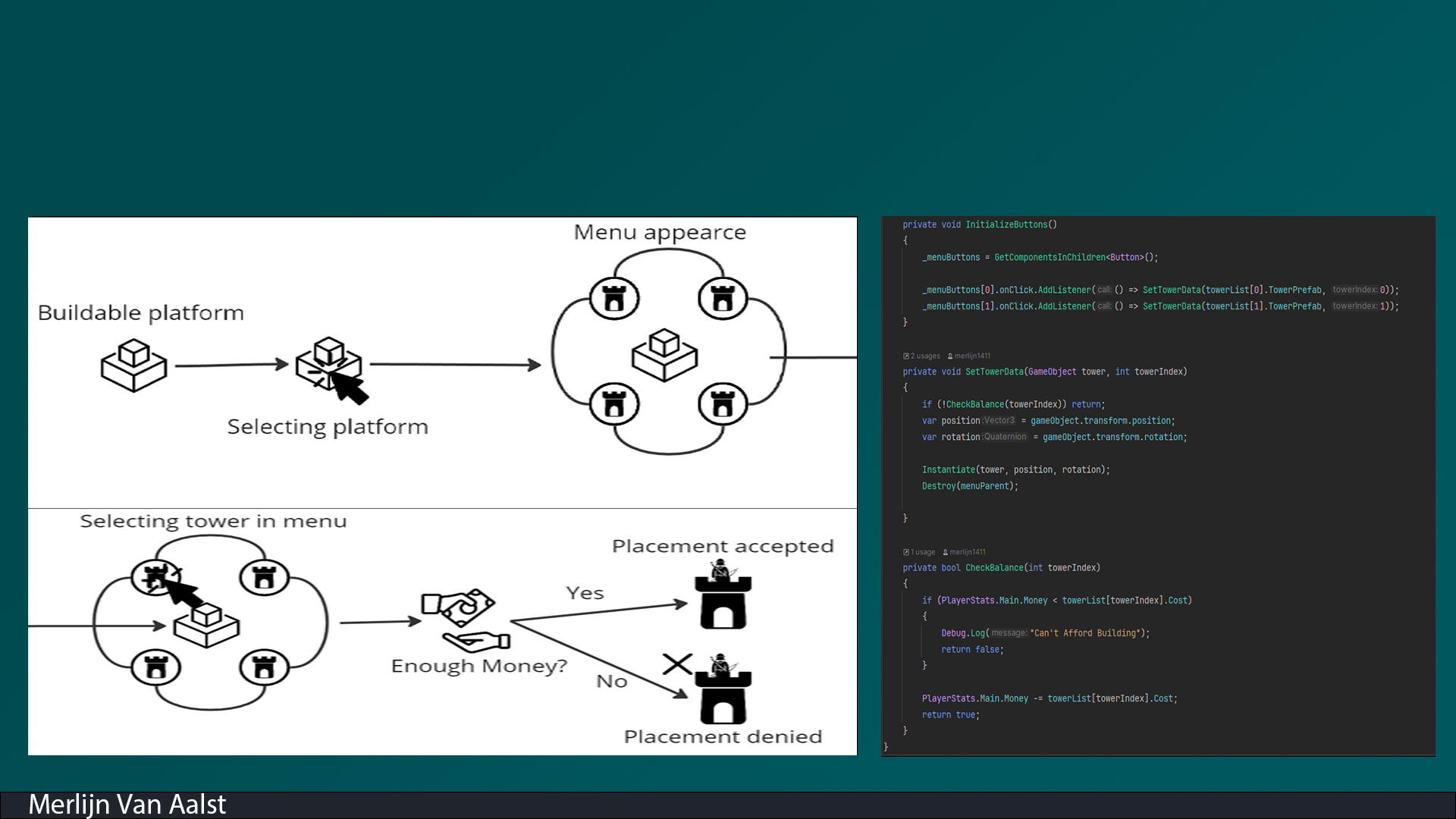
Next, I created a system that allows players to buy and place towers on designated building spots. The TowerMenuManager holds a list of all TowerData ScriptableObjects, making it easy to access tower data. It also checks the player’s balance, preventing tower purchases if there aren’t enough coins.

I encountered one issue: I couldn't access the PlayerStats to check the balance. After some research, I created an instance in PlayerStats as an open point to access all the data.

This allowed me to properly check the player’s balance and ensure the system functioned as intended.

Wave Spawner Script

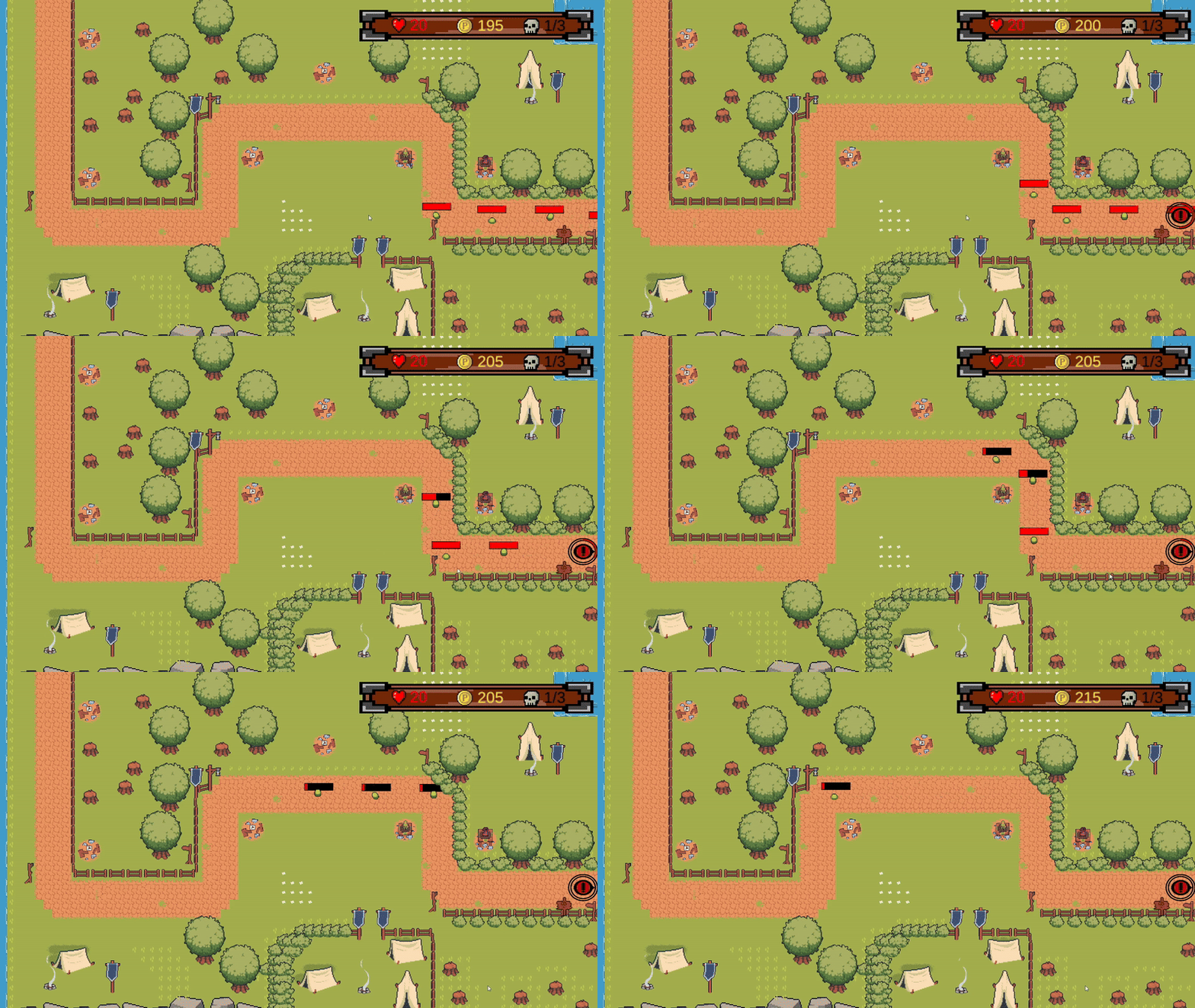
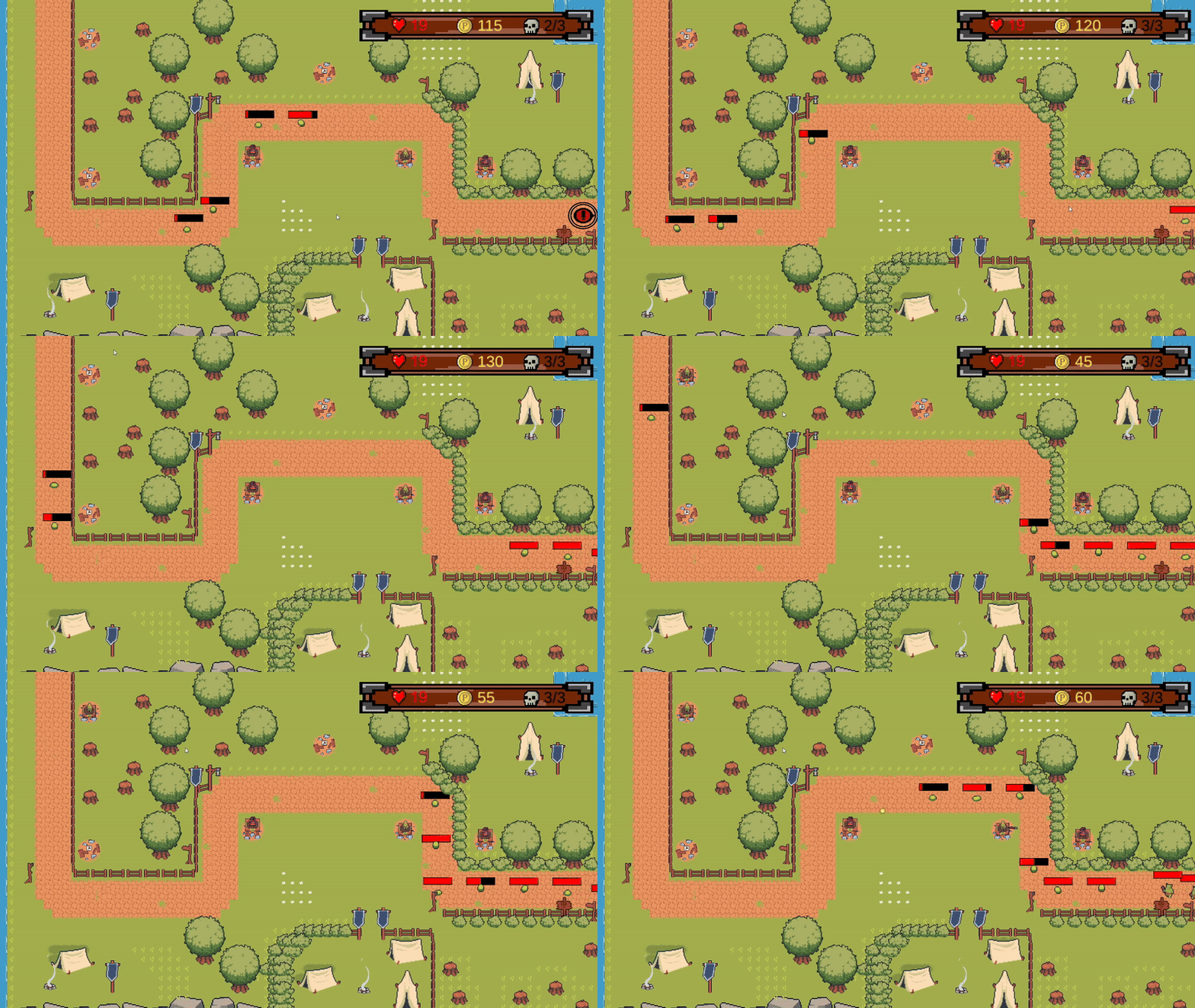
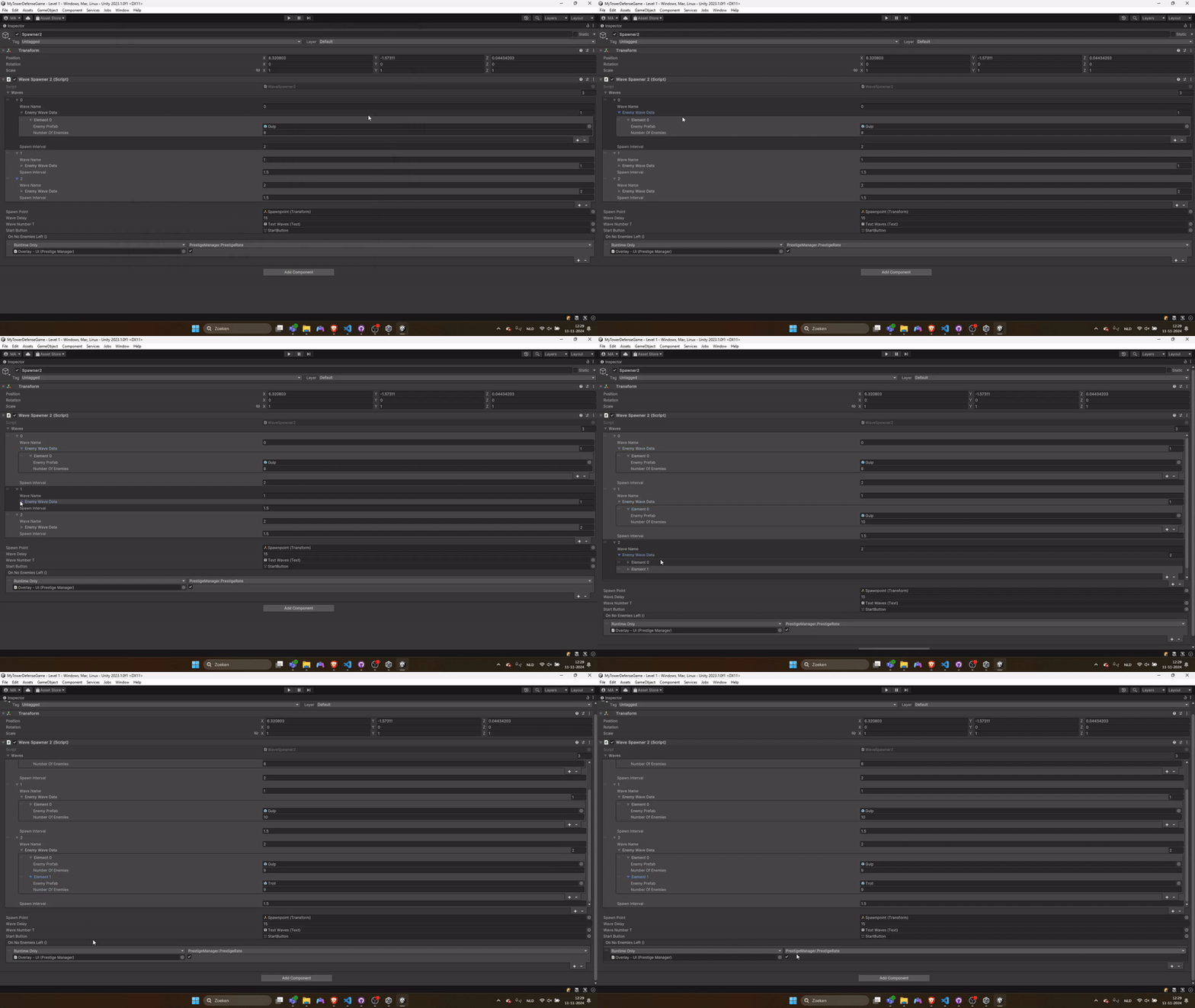
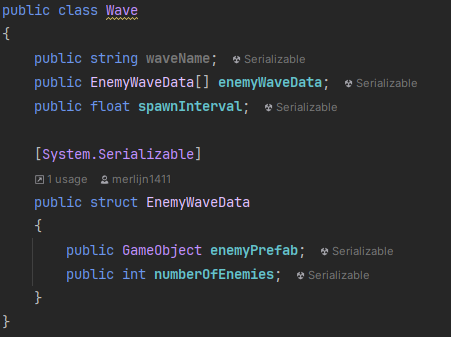
Next, I created the WaveSpawner script, which allows you to set the number of waves, the types of enemies, and the quantity of each enemy to spawn.

The challenge I faced was managing how to input the number of enemies to spawn and tracking whether the correct amount had been spawned.

To solve this, I created a new class called Wave and a structure called EnemyWaveData, making it easier to specify and control the number and timing of each enemy's spawn.

Tower Defense Build

First Version of the Tower Defense.